Departed Summer 2024
Serveable
NHS service tracking · Web app · Archived
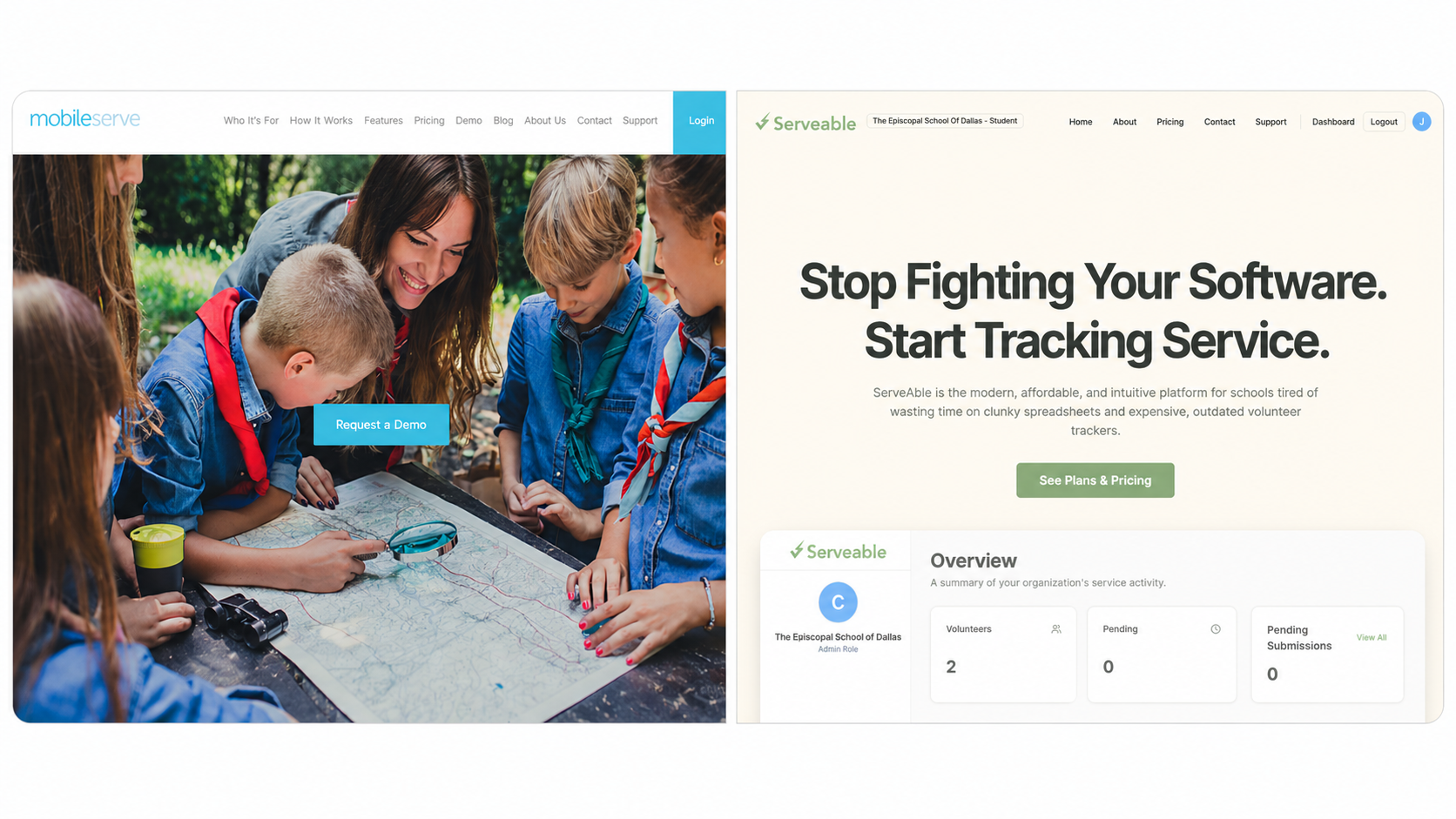
[image: Side-by-side: left, a blurry MobileServe legacy dashboard cluttered with a side nav, pie charts, line graphs, and stacked lists; right, a clean beige Serveable landing page with the headline 'Stop Fighting Your Software. Start Tracking Service.' and the green leaf-S ServeAble wordmark]
Departure
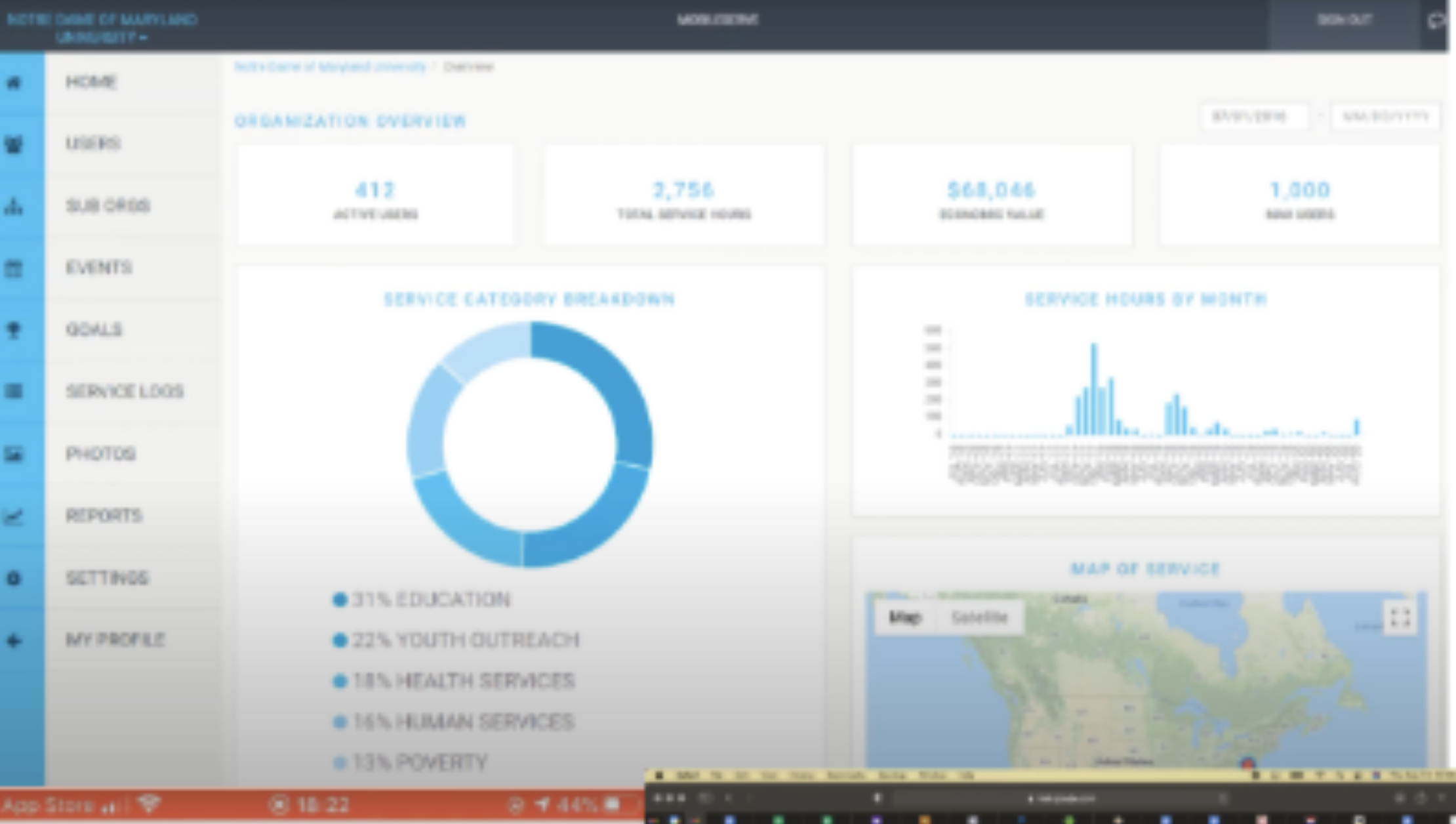
Every NHS kid gets pushed into MobileServe, and nobody likes it — a cluttered legacy dashboard with side-nav pie charts and line graphs piled on top of each other, fronted by a marketing site whose hero is a teacher kneeling over a paper map next to a bright blue Request a Demo button. The work admins actually do is one verb (approve or reject). The work students actually do is one number (how many approved hours, how far from the NHS goal). Serveable was the kinder rebuild — student portal, admin portal, hour logs, approvals, charts, PDF exports, Supabase auth — sketched in a notebook before any code touched the editor.
Approach
- Next.js
- Supabase
- Vercel
- Cloudflare R2
- DreamHost
Two portals — student and admin — sharing one Supabase schema, one auth flow, and one set of approval rules. No second app to keep in sync.
Field log
Day 1 — notebook before code
Opened a notebook and drew the whole thing on graph paper before touching the editor. Big approved-hours number for the student. KPI cards for the admin. The sketch was the spec.
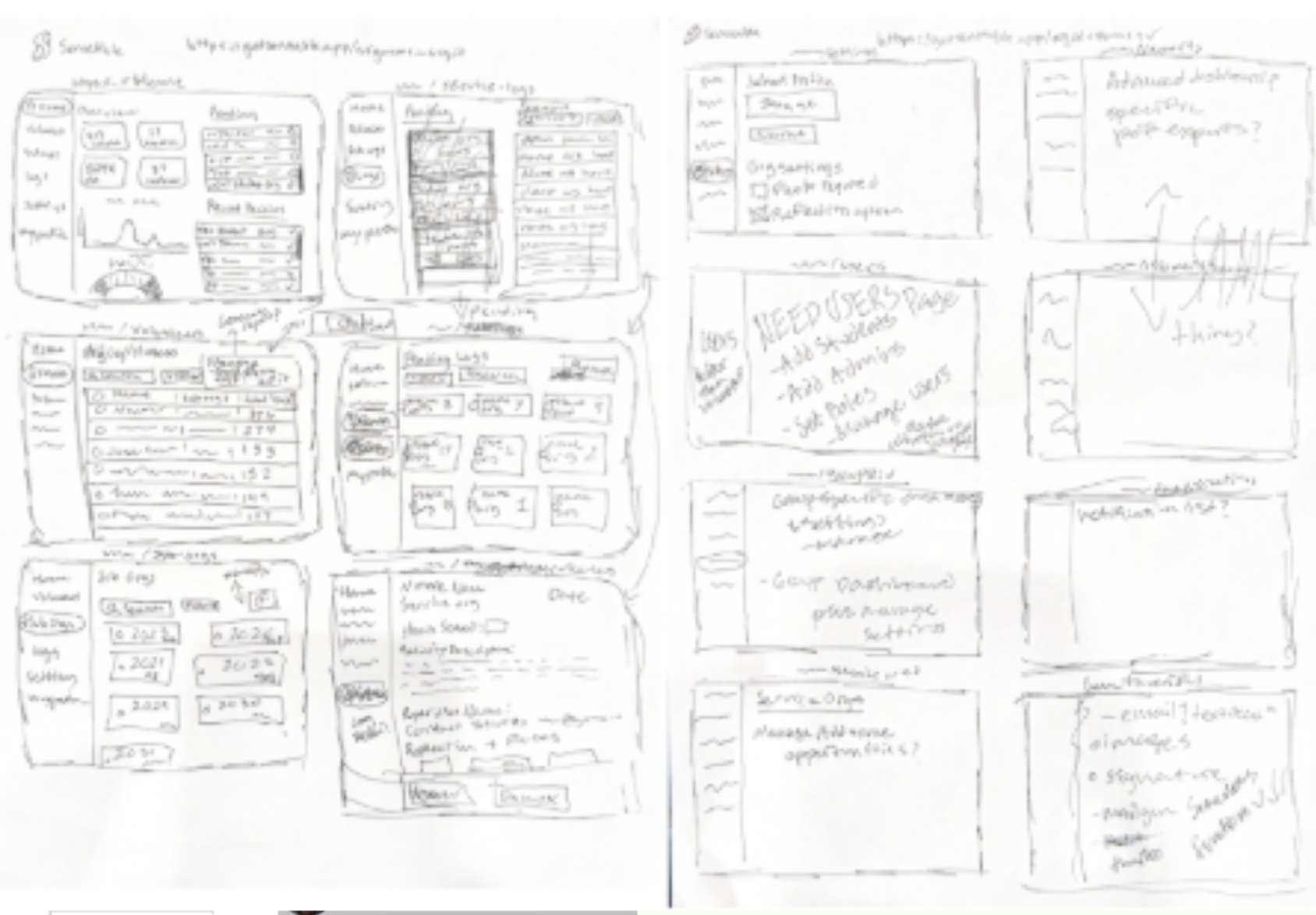
[image: Open spiral notebook on a desk with detailed hand-drawn wireframes and UI sketches in pen — admin dashboard layout with KPI boxes and chart placeholders on the left page, student dashboard with a big hours number and a logging form on the right page]
The spec, in pen. MobileServe is painful
Pulled up the incumbent for reference. The public site is a teacher kneeling over a paper map next to a magnifying glass and a Request a Demo button. The product behind it is the same energy.
[image: Screenshot of mobileserve.com homepage in Chrome — hero photo of a female teacher kneeling outdoors with a group of cub scouts looking down at a large paper map, with a bright blue 'Request a Demo' button centered over the image]
MobileServe.com — the thing to beat. Stack picked
Next.js on Vercel for the app, Supabase for auth and Postgres, Cloudflare R2 for hour-log photo proof, DreamHost holding the domain from a previous life. Boring stack on purpose — the interesting part was the UI.

[image: Tech stack collage on a white slide — DreamHost wordmark up top, Vercel black triangle, Next.js black-on-white wordmark, orange Cloudflare clouds, and the green geometric Supabase mark arranged around a center]
Five logos, one boring stack. Six logos to a leaf
Ran a continuous-line 'S' through six iterations, basic loops to a single green stroke forming an 'S' inside a leaf. Wordmark settled on ServeAble. Service plus growth, in one stroke.
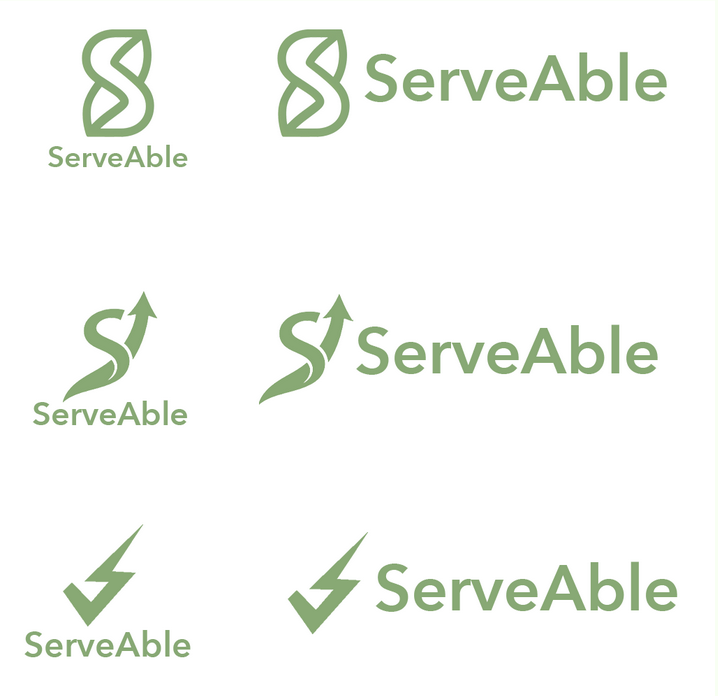
[image: Six Serveable logo iterations in a horizontal strip — early loose loops on the left, gradually tightening into a continuous green line that forms an 'S' inside a leaf shape on the right, with a dark grey arrow pointing from the first draft to the final mark]
Six drafts to the leaf-S. Landing in beige
Mockup landed. "Stop Fighting Your Software. Start Tracking Service." on a clean minimalist beige background. Three pillars underneath: Effortless Efficiency, Unbeatable Value, The Personal Touch. The opposite of a stock-photo paper map.
[image: Hi-fi mockup of the Serveable marketing landing page on a clean beige background — bold black headline 'Stop Fighting Your Software. Start Tracking Service.', subhead, and three feature columns labeled Effortless Efficiency, Unbeatable Value, The Personal Touch]
Landing page, beige and quiet. Admin Overview, first cut
Four KPI cards across the top — Volunteers, Pending, Approved Hours, Est. Impact — line and pie placeholders below, Recent Decisions sidebar on the right. The whole admin job is a queue. The dashboard tells you how big it is.
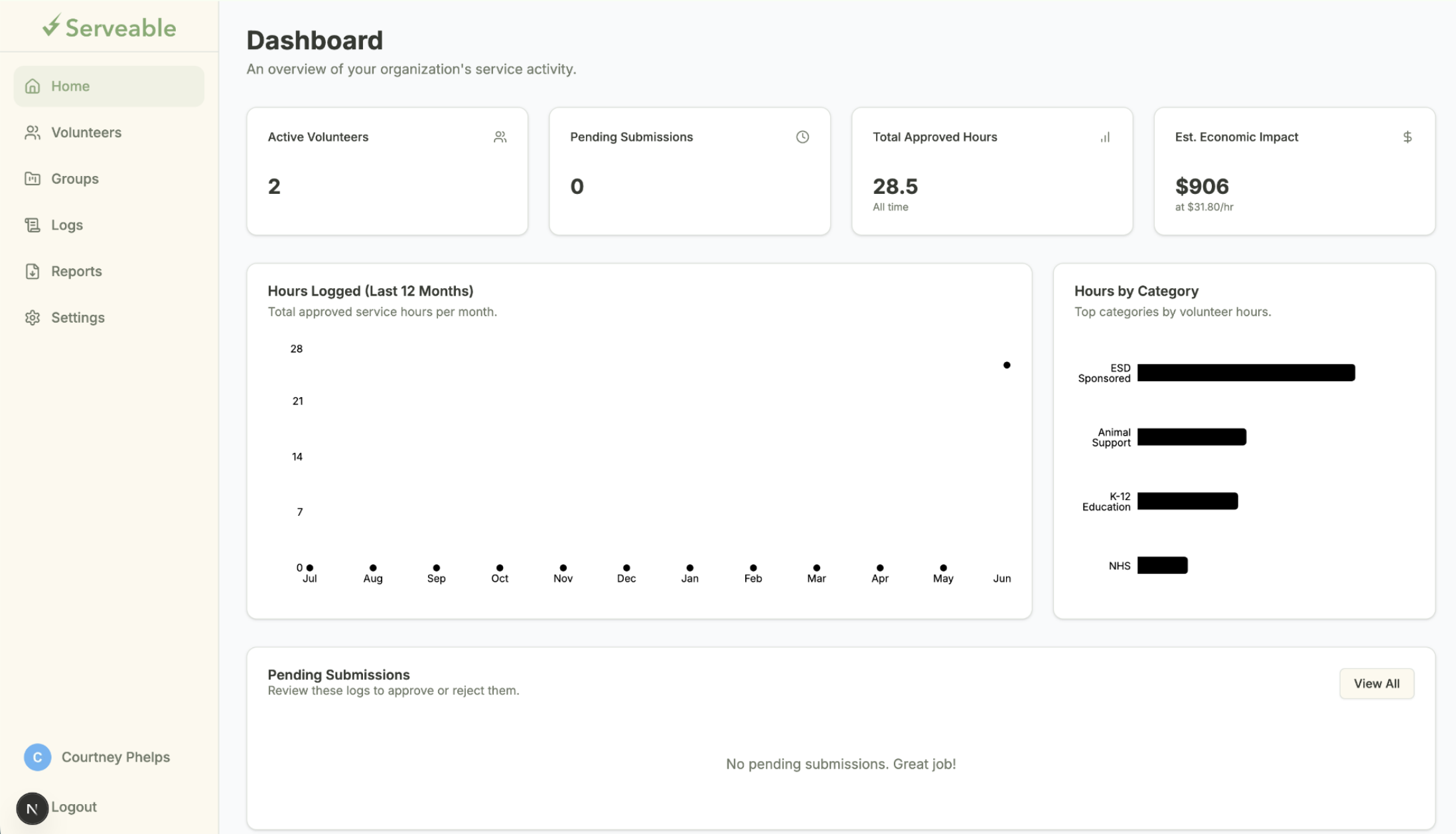
[image: Hi-fi mockup of the Serveable admin Overview dashboard in a browser — top row of four minimalist KPI cards labeled Volunteers, Pending, Approved Hours, and Est. Impact, line chart and pie chart placeholders below, and a 'Recent Decisions' sidebar on the right listing approved and rejected hour entries]
Admin Overview — KPI cards over a queue. The 16.00 reveal
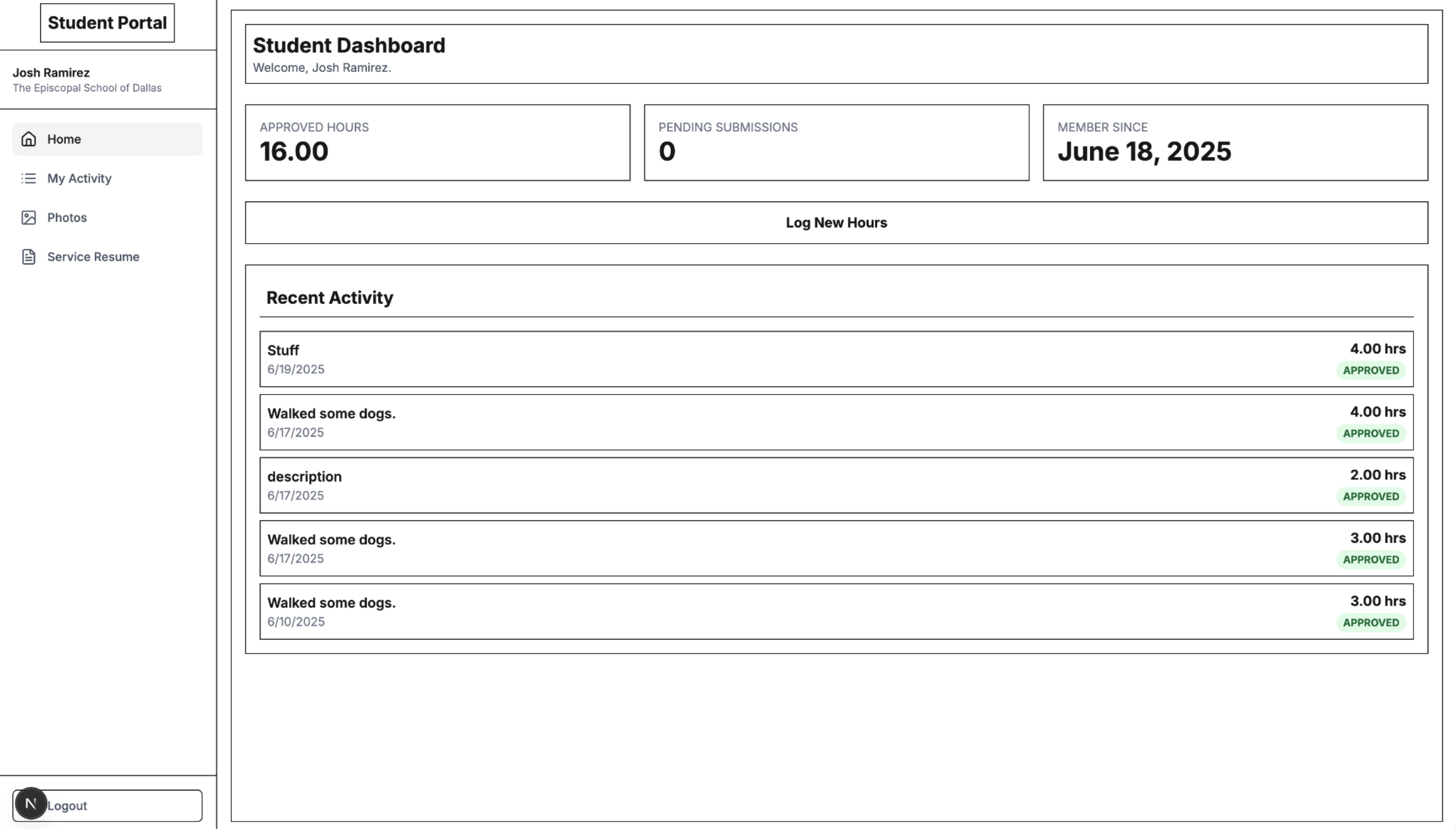
Student dashboard came together around a massive green 16.00 — Total Approved Hours — with progress bars for My Group Goals (NHS) right under it. Recent Activity down the side reading "Walked some dogs." Everything else on the page was deliberately small.
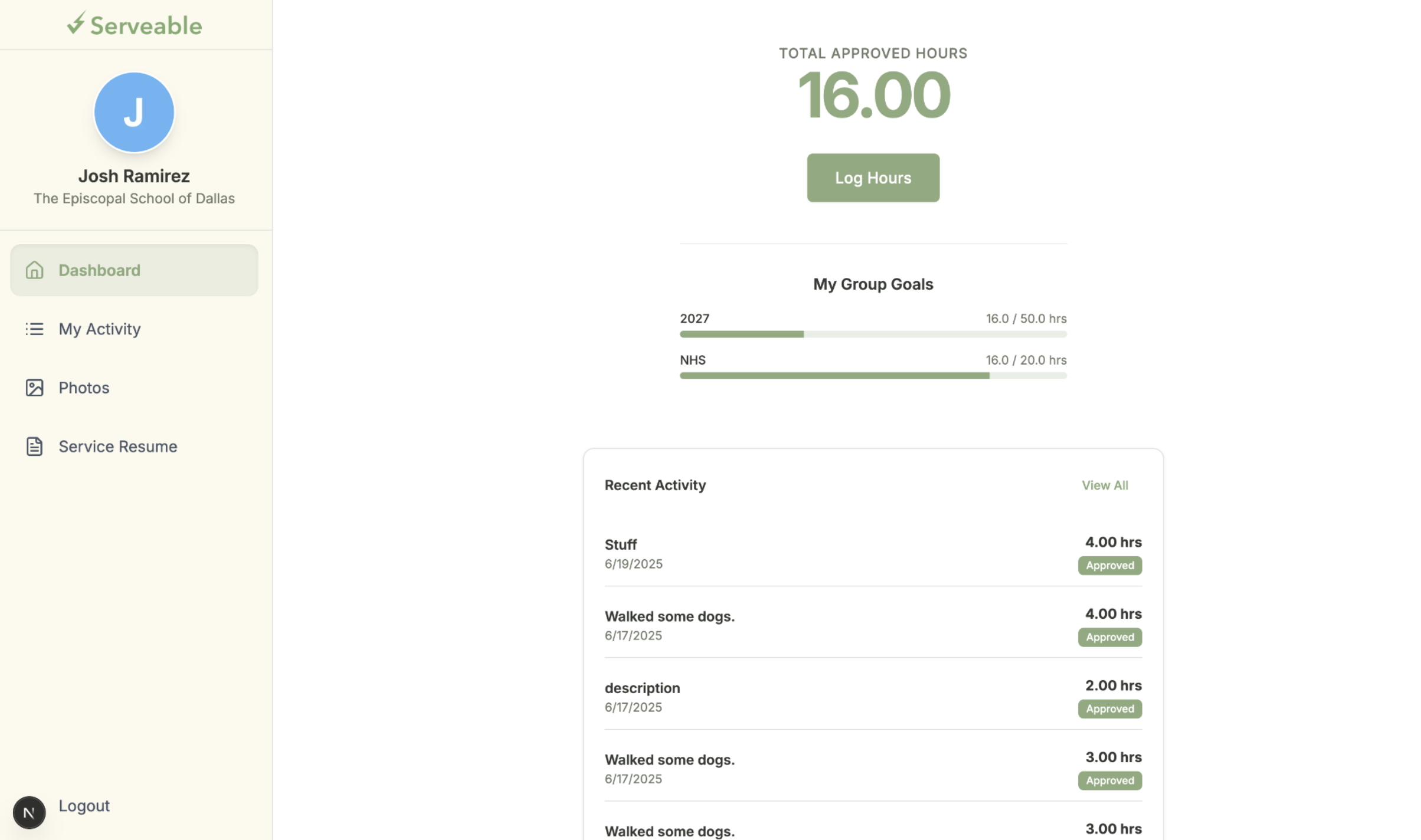
[image: Hi-fi mockup of the Serveable student dashboard in a browser — enormous green '16.00' as Total Approved Hours filling the top of the card, horizontal progress bars labeled 'My Group Goals' tracking NHS requirements directly underneath, a Log New Hours button, and a Recent Activity log on the side reading 'Walked some dogs']
16.00. The student's whole product. Admin charts, second pass
Detailed admin view added: a scatter-line graph for Hours Logged (Last 12 Months) and horizontal bar charts for Hours by Category — Sponsored, Animal Support, Education. The KPIs answer how much. The charts answer where it came from.
[image: Detailed Serveable admin dashboard mockup — scatter-style line graph titled 'Hours Logged (Last 12 Months)' on the left with monthly dots and a trend line, horizontal bar charts on the right titled 'Hours by Category' with bars for Sponsored, Animal Support, and Education in green]
Hours over time, hours by category. App Router scaffold
Next.js folder tree was the architecture diagram. app/ split into auth, admin, api, student, verify. lib/ filled with email.js, imageUtils.js, pdfGenerator.js, r2.js, utils.js. utils/supabase/ for admin.js, client.js, server.js. The directories told the story before the code did.
[image: VS Code file explorer collage of the Serveable Next.js project — left panel showing the app/ directory expanded with auth, admin, api, student, and verify subfolders; middle panel showing a lib/ folder with email.js, imageUtils.js, pdfGenerator.js, r2.js, and utils.js; right panel showing utils/supabase/ with admin.js, client.js, server.js next to .env.local, next.config.mjs, and package.json]
The directory tree, doubling as the architecture diagram.
From the gallery
[image: Close-up of the Serveable admin KPI strip — four minimalist cards in a row labeled Volunteers, Pending, Approved Hours, and Est. Impact, each with a large numeric value above a small subtitle]
[image: Close-up of the 'Hours by Category' chart from the admin dashboard — three horizontal green bars labeled Sponsored, Animal Support, and Education, each with an hours total at the end of the bar]
[image: Detail crop of the final ServeAble wordmark — continuous green line forming an 'S' inside a leaf shape, set next to the lowercase 'ServeAble' wordmark in a clean sans serif]
What I came back with
Student + admin portals, in development
Lesson from the terrain
Replacing incumbent school software is mostly a subtraction problem — MobileServe wasn't missing features, it was drowning in them, and the kinder version is the one that surfaces a single number to a student and a single verb to an admin. Six logo drafts to land on a leaf-shaped 'S' felt like overkill until I noticed I was iterating on the same thing the dashboards were iterating on: how little can sit on the page and still mean what it needs to mean.
Cross-links
This fed into / from