Serveable
Student and admin portals for NHS volunteer-hour approvals.
Summer 2024 · Web · Archived
Stack
Stack: Next.js · Supabase · Vercel · Cloudflare R2 · DreamHost
Two portals — student and admin — sharing one Supabase schema, one auth flow, and one set of approval rules. No second app to keep in sync.
Log
Day 1 — notebook before code
Opened a notebook and drew the whole thing on graph paper before touching the editor. Big approved-hours number for the student. KPI cards for the admin. The sketch was the spec.
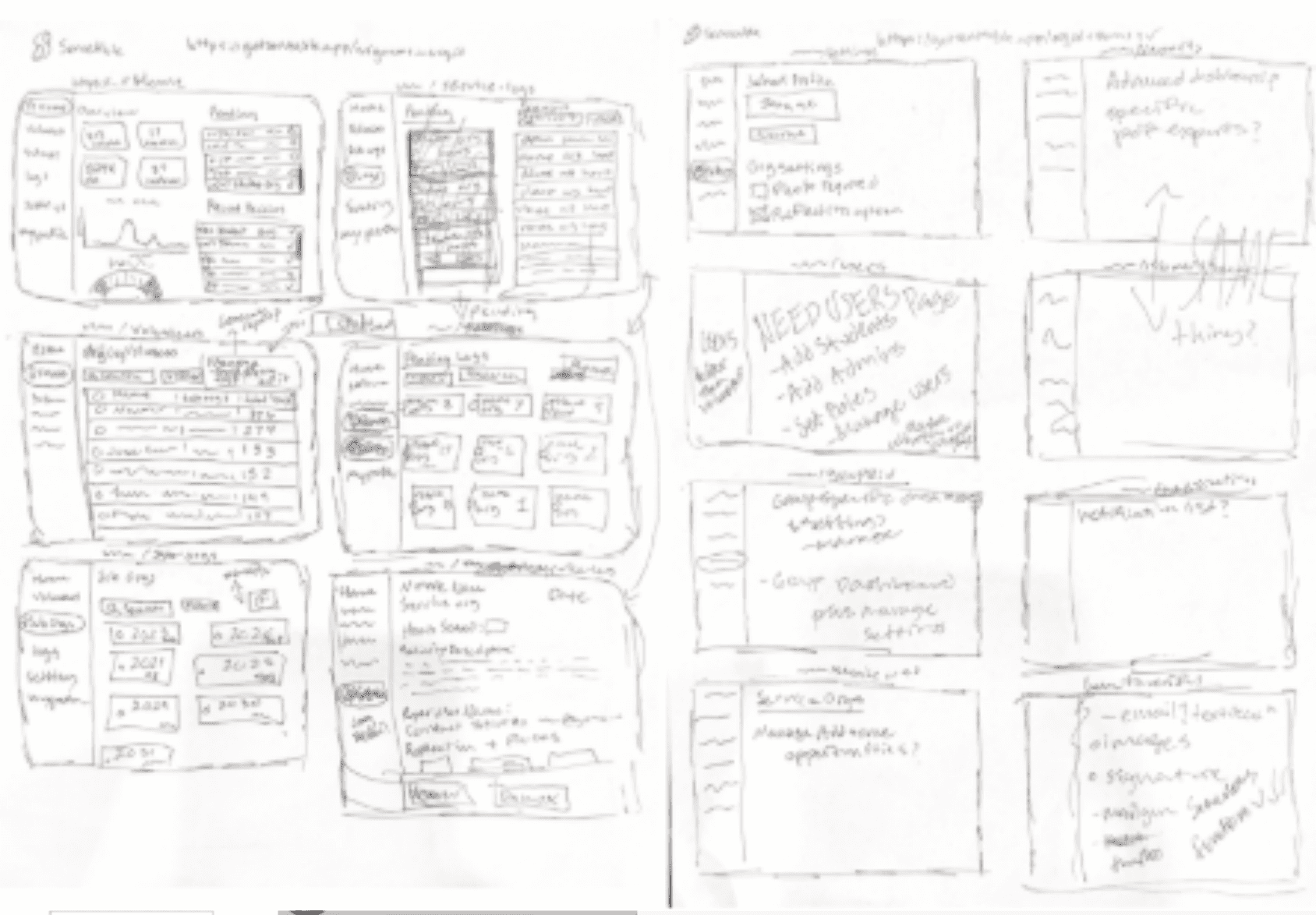
The spec, in pen. MobileServe is painful
I pulled up MobileServe for reference. I found the dashboard hard to scan: side navigation, KPI boxes, donut charts, monthly bars, maps, and reports all competed for attention. Useful data was in there somewhere, but the two common jobs I cared about were simple: check approved hours and review submissions.
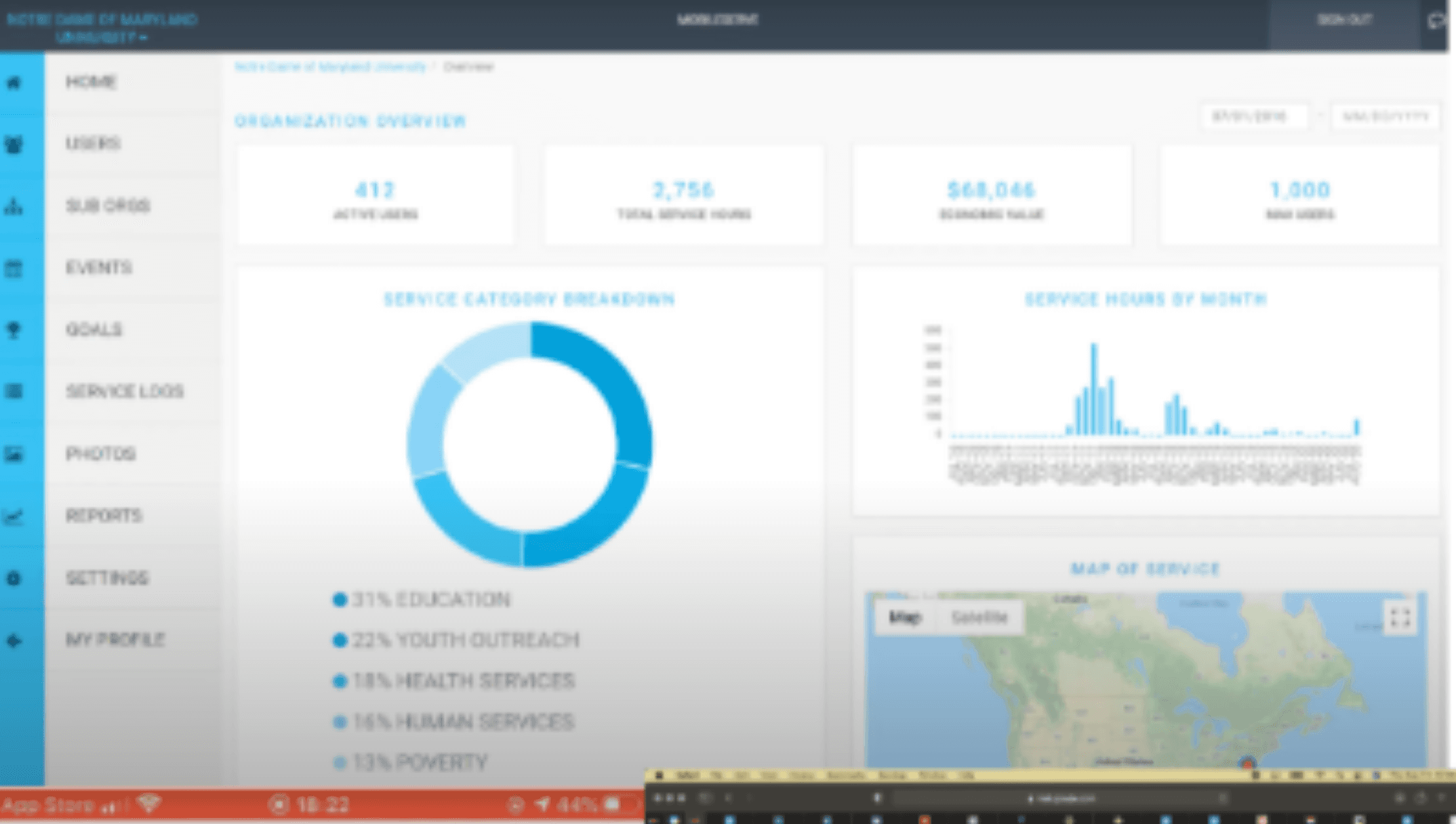
The MobileServe dashboard I used as a reference. Stack picked
Next.js on Vercel for the app, Supabase for auth and Postgres, Cloudflare R2 for hour-log photo proof, DreamHost holding the domain from a previous life. Boring stack on purpose — the interesting part was the UI.

Five logos, one boring stack. Six logos to a leaf
Ran a continuous-line 'S' through six iterations, basic loops to a single green stroke forming an 'S' inside a leaf. Wordmark settled on ServeAble. Service plus growth, in one stroke.
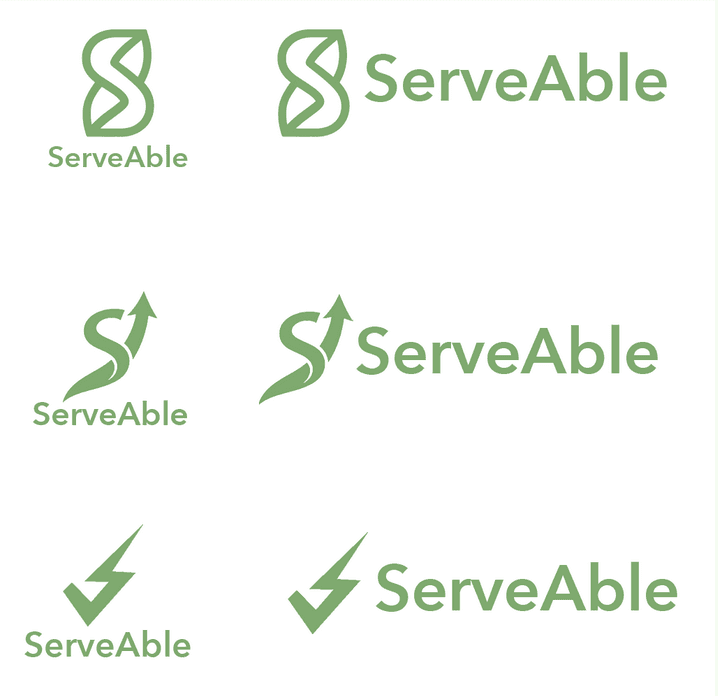
Six drafts to the leaf-S. Landing in beige
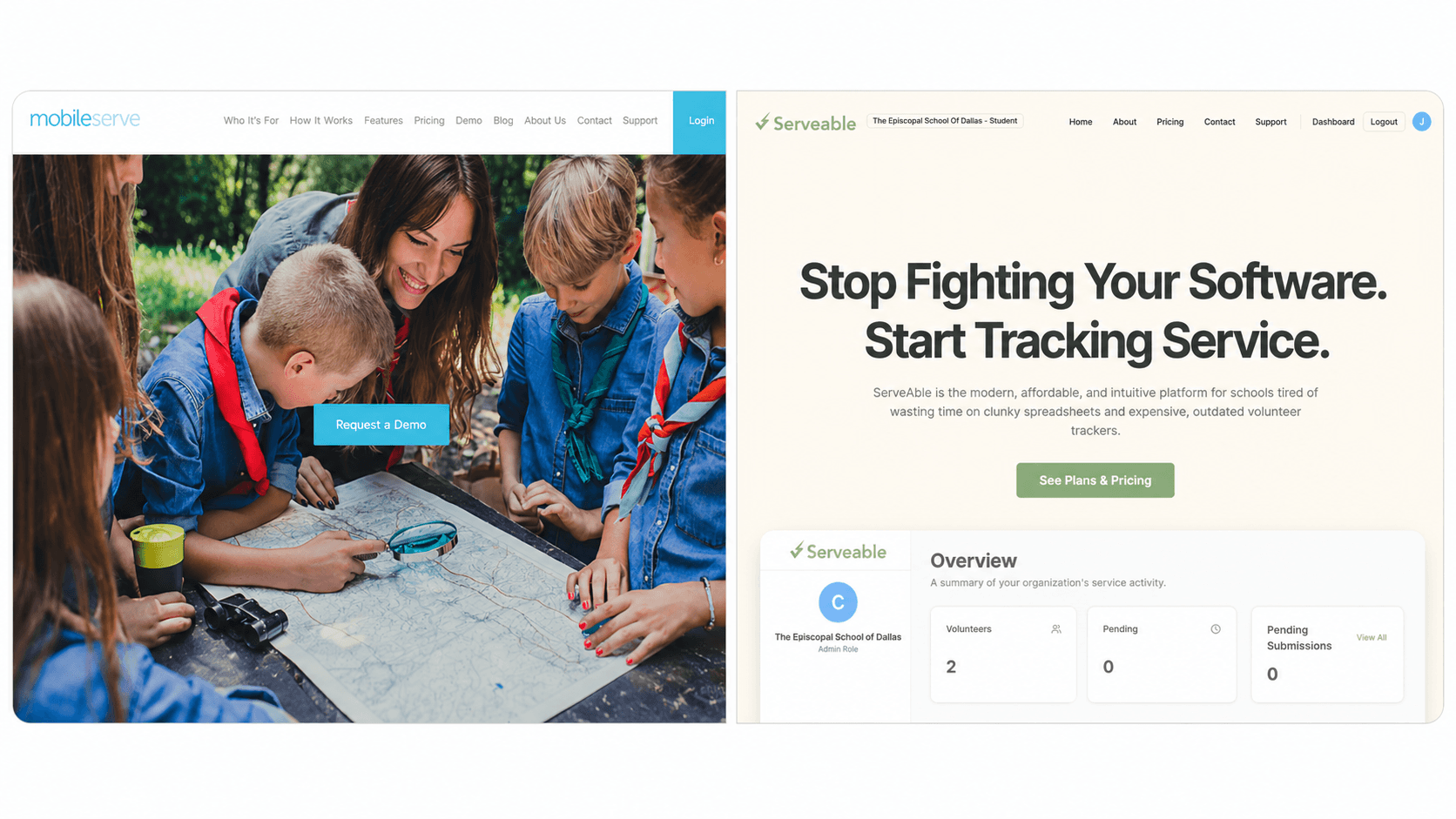
Mockup landed. "Stop Fighting Your Software. Start Tracking Service." on a clean minimalist beige background. Three pillars underneath: Effortless Efficiency, Unbeatable Value, The Personal Touch. The opposite of a stock-photo paper map.
Admin Overview, first cut
The concept screen put four KPI cards across the top — Active Volunteers, Pending Submissions, Total Approved Hours, and Est. Economic Impact — with charts and the approval queue underneath. The dollar estimate used illustrative hours and a chosen hourly rate; it was not actual economic output. The whole admin job is a queue. The dashboard tells you how big it is.
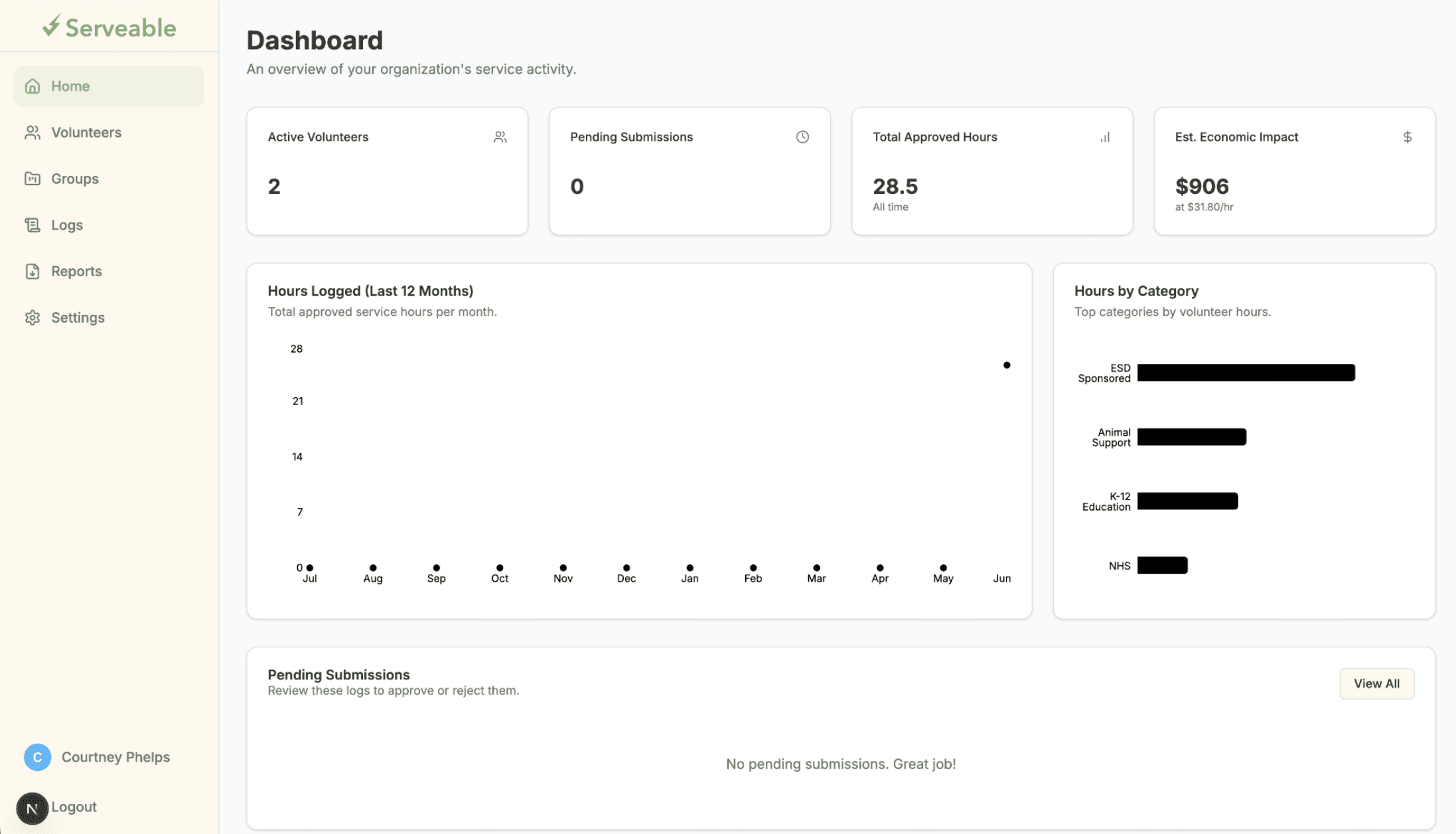
Admin dashboard concept with synthetic demo data; the impact figure is an illustrative hours-times-rate example. The 16.00 reveal
The student dashboard concept came together around a synthetic 16.00 — Total Approved Hours — with progress bars for My Group Goals (NHS) right under it. Recent Activity down the side read "Walked some dogs." Everything else on the page was deliberately small.
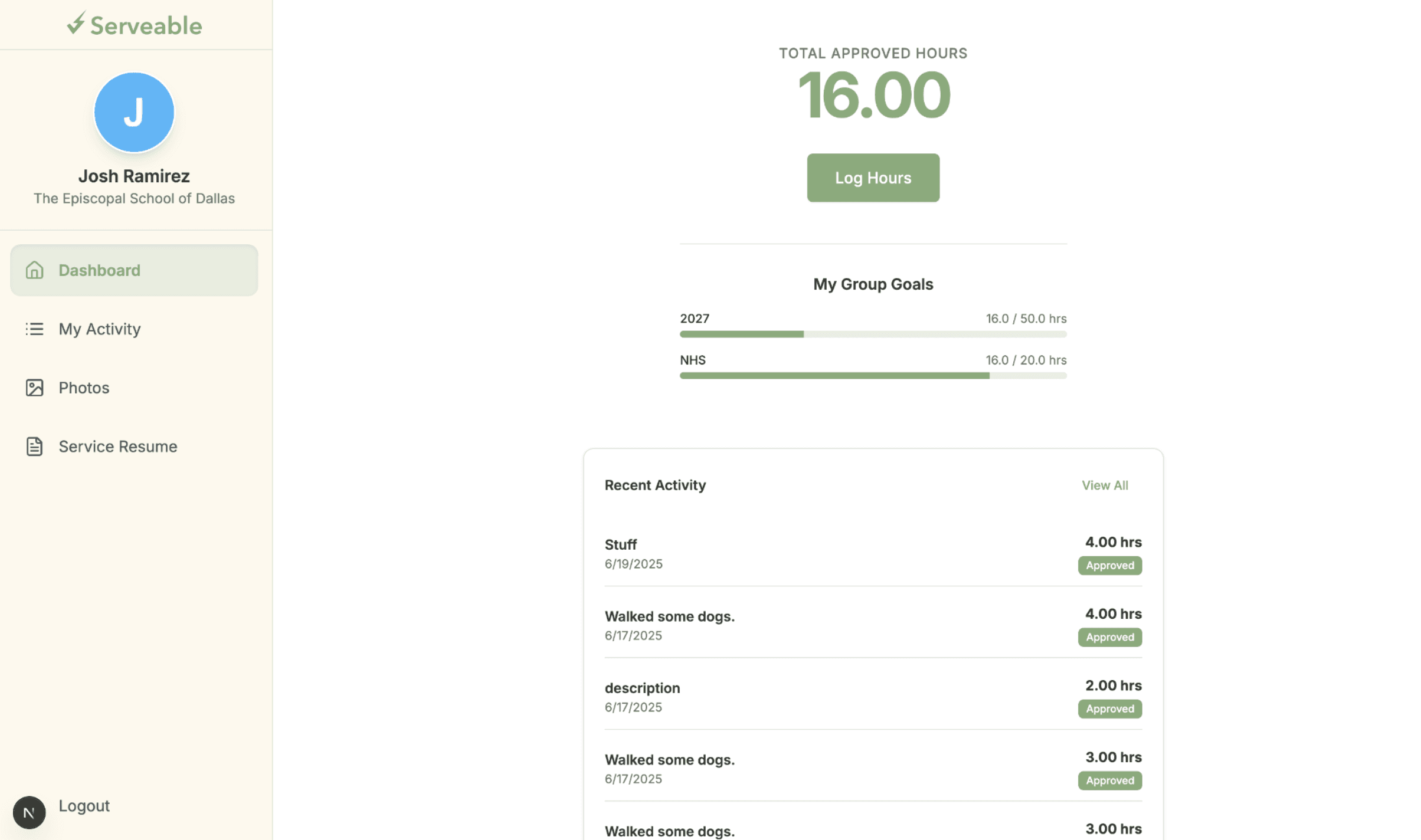
A student dashboard concept, shown with synthetic demo data. Admin charts, second pass
Detailed admin view added: a scatter-line graph for Hours Logged (Last 12 Months) and horizontal bar charts for Hours by Category — Sponsored, Animal Support, Education. The KPIs answer how much. The charts answer where it came from.
Gallery
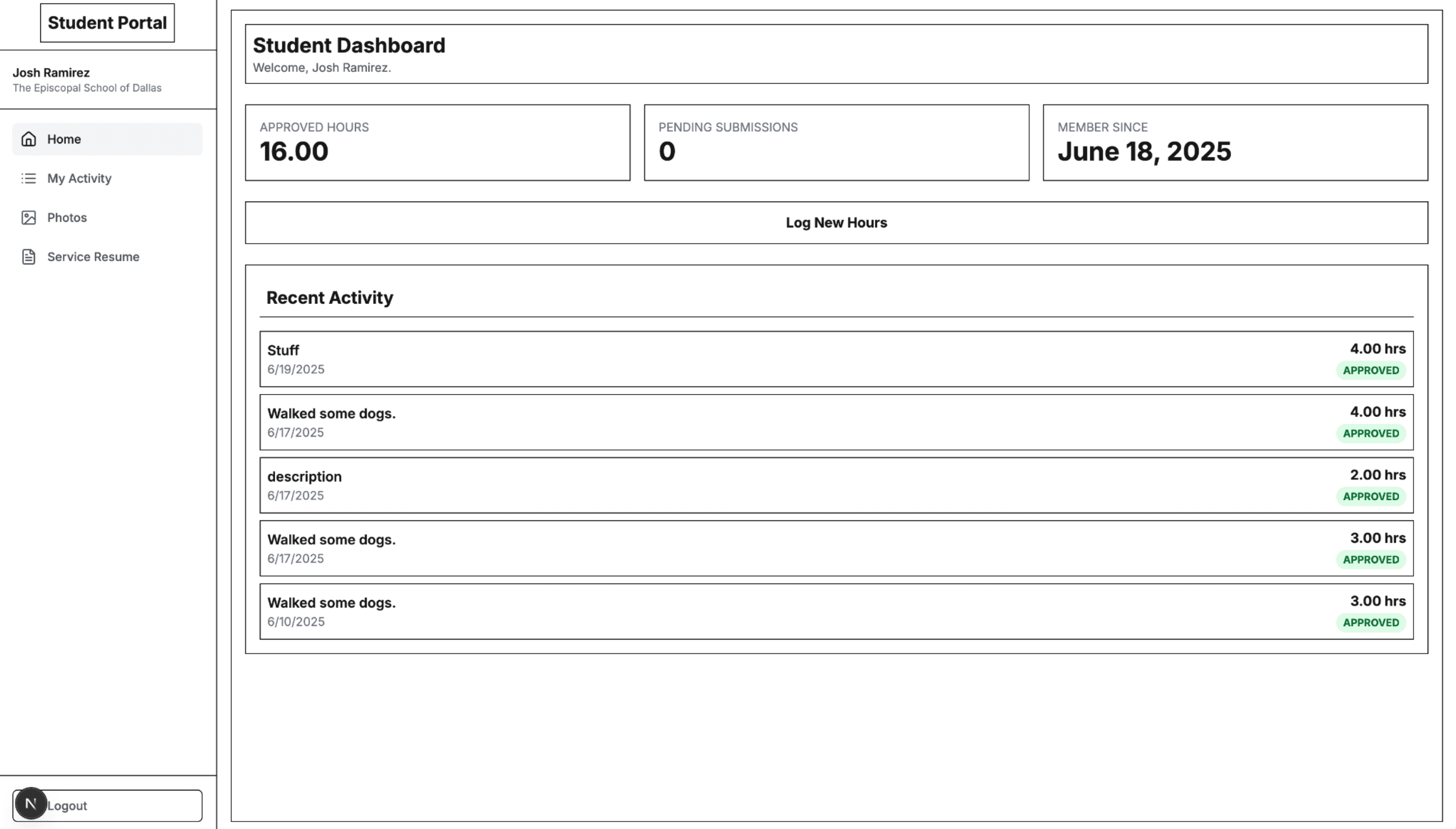
Result
Completed and ready before it was later archived
What I learned
For me, replacing school software was mostly a subtraction problem. MobileServe had plenty of information, but I had trouble finding the two things I cared about: a student's approved hours and an admin's approval queue. Six logo drafts to land on a leaf-shaped 'S' felt like overkill until I noticed I was iterating on the same thing as the dashboards: how little can sit on the page and still mean what it needs to mean.