Departure
School restricted phones and my hand kept reaching for an empty pocket. What I actually missed was not messages; it was the quick video loop. The Apple Watch was the one screen still allowed, so Aura became the experiment: quick accessible video content on the wrist, one clip at a time, no recommender, no profile, no back button. Tap to skip, or use the watch gesture and roll to the next clip.
Approach
- SwiftUI
- WatchOS
- AVFoundation
- Manifest v3
Phones banned at school — wrist only. No TikTok SDK, so the content has to be sideloaded.
Field log
First week of the phone ban. Hand reaching down, finding nothing, every fifteen minutes. The thing the iPhone had been carrying for me was a small, repeatable hit — and the watch was still on my wrist.
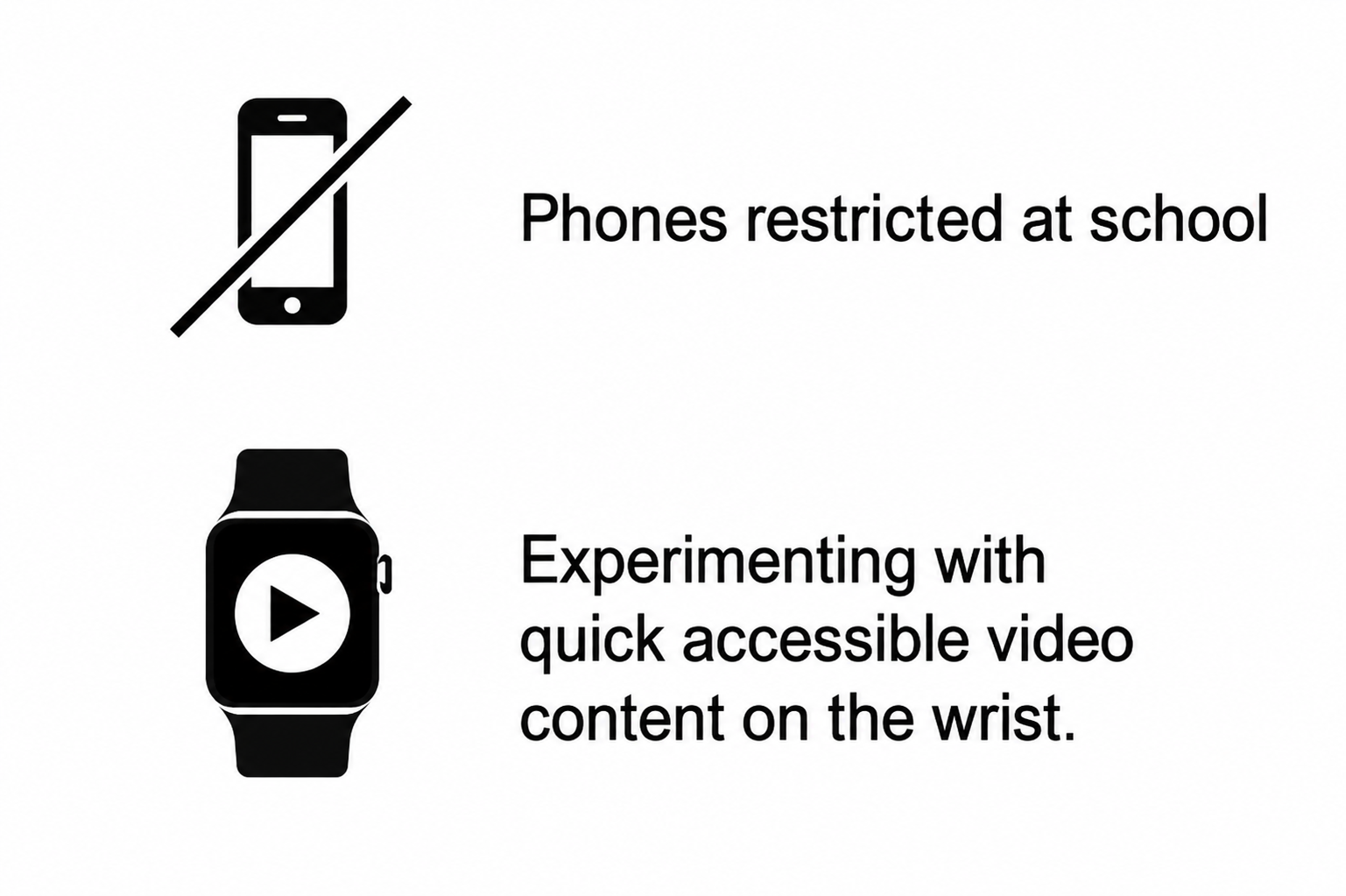
The whole premise: phone restricted, watch still available. TikTok for the wrist, stripped until almost nothing was left. One short clip fills the watch face. No likes, comments, profile, search, or feed logic. The whole app is the next clip.
Manifest v3 extension that watched TikTok's network tab, peeled the MP4 URLs the page was already loading, and saved them to a folder I'd later drag into the Xcode bundle. No API, no auth — just a content script reading what the browser already had.
SwiftUI view with a single video player filling the watch face edge-to-edge. AVPlayer chewed through bundled MP4s in order. The screen is too small for a swipe-heavy interface, so the tap became the entire interface.
Tap on the face for the next clip. Double-pinch the index and thumb for the same — watchOS surfaces the gesture as an event, so I could roll the dice with my arm flat on the desk and the watch face barely visible from across the aisle.
Wore it through a lecture and made it through four clips before I caught myself. The itch was being scratched — compressed to a 1.7-inch rectangle and lossier MP4s, but the loop was intact: tap, end, next, roll the dice again.
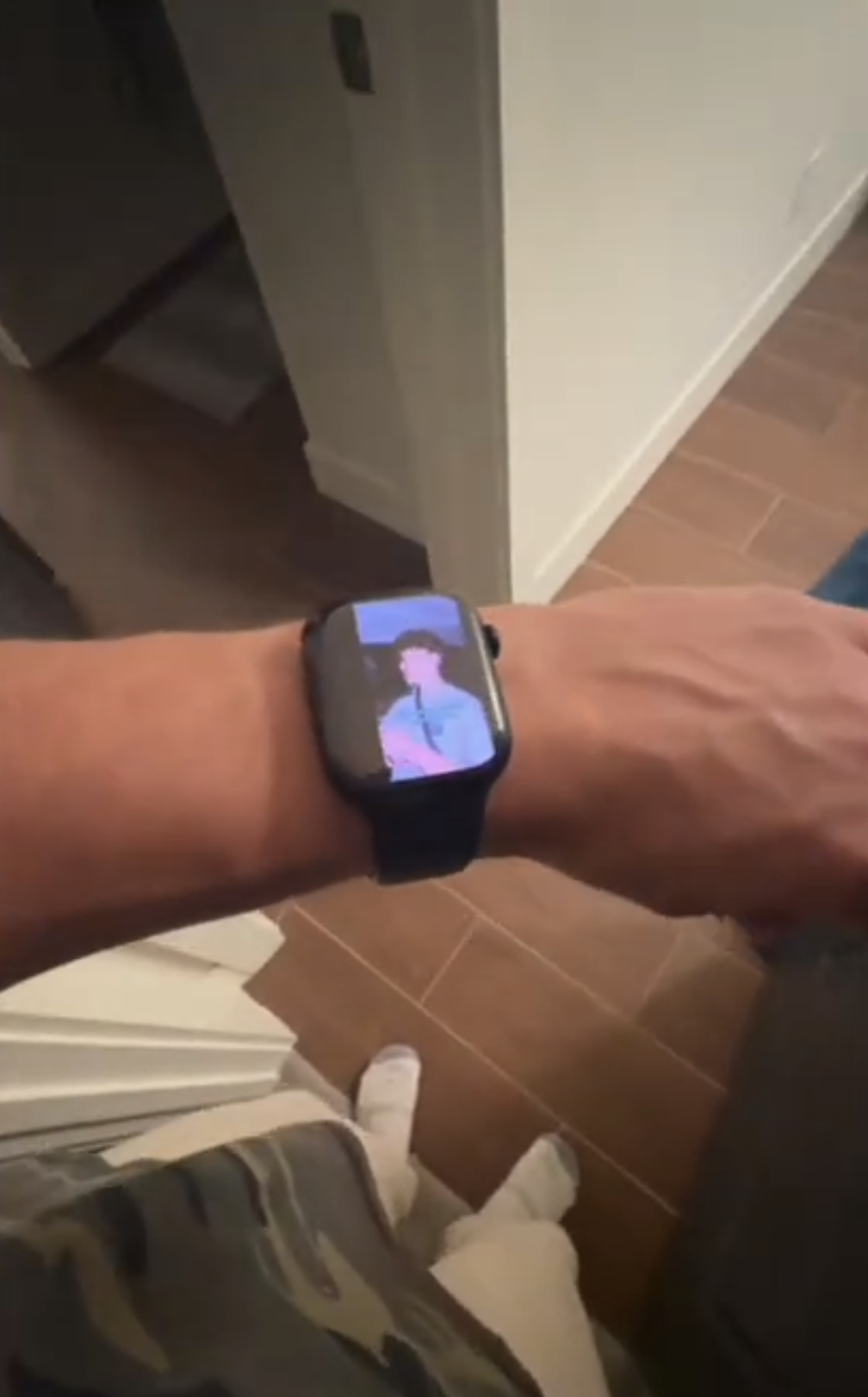
Aura running on the wrist: a tiny video feed where a normal watch face should be.
From the gallery
What I came back with
Lesson from the terrain
The Apple Watch can carry surprisingly little video — small screen, busy battery, an AVPlayer never built for autoplay loops — but it can carry enough to scratch the itch. The architecture was indefensible: a Chrome extension scraping someone else's CDN, MP4s sideloaded into a bundle, zero recommendation logic, no way back. The loop still closed — tap, end, next — and that turned out to be the whole product.