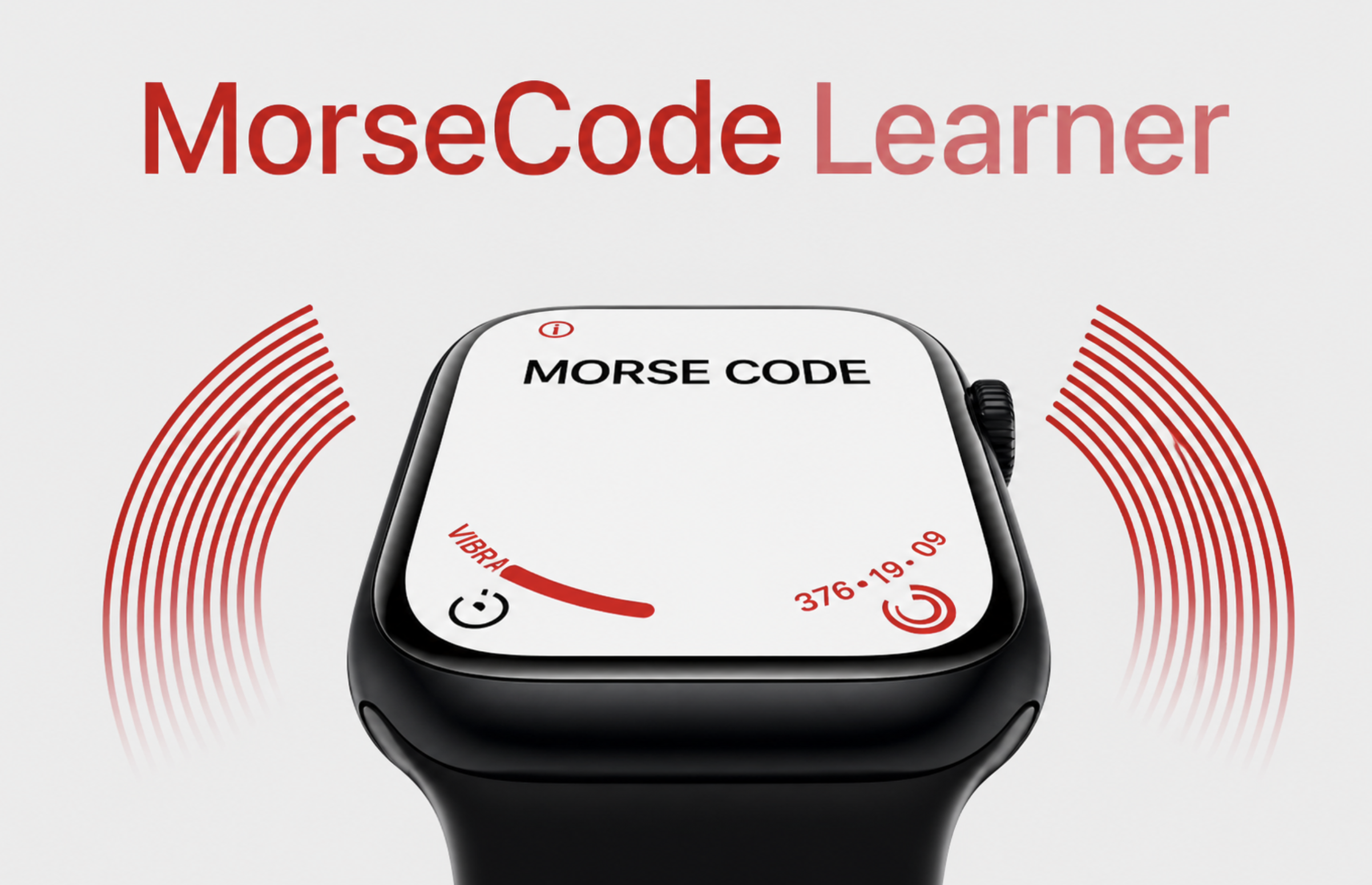
Departure
Wanted to learn Morse for a future project, but every trainer I found was a screen with audio — useless in class, rude in a quiet room. The wrist already taps me for notifications; that channel was sitting unused as a teaching surface. Built a WatchOS app that buzzes a word into the skin and then asks me to tap it back. Eyes-free, silent, one-handed — I could practice in a lecture or on a walk without pulling out a phone or making a sound.
Approach
- Swift
- WatchOS
- WatchKit
- Core Haptics
WKInterfaceDevice.play() ships with a small vocabulary — .click, .success, .notification — and none of them is 'a dash three times longer than a dot.' Whatever the dash was, I had to build it out of the dot.
Field log
Wanted Morse for a future project. Every trainer I tried was a screen and a speaker — useless in class, rude in a quiet room. The wrist already taps for notifications, and nothing was using that channel to teach.
Cycled every WKInterfaceDevice.play() case looking for one that read as a Morse pulse on the skin. .click won — short, dry, unmistakable. Everything else either rang too long or sounded like a system alert.
A real dash is three dots long, but the Taptic Engine has no native concept of duration. Dot became one .click; dash became playTripleDashHapticImmediate — three .clicks fired back-to-back, tight enough that the wrist reads them as one longer pulse. Not elegant. The dot/dash line became unmissable.
Input is the inverse problem — was that a dot or a dash, and was that gap a letter break or a word break? Built an adaptive timer that watched the last few taps and slid its dot/dash threshold around the user's actual rhythm. Slow tappers and fast tappers both got read correctly.
App feeds a word, taps it on the wrist, user taps it back. That's the whole interface.
The intended loop was feel-the-word, tap-it-back. The loop that actually taught me was: feel the word, walk to the next class, then tap it back from memory thinking about the letters, not the buzzes. The delay forced the translation through language instead of muscle.
Most of the alphabet now lives in my wrist. X and G still don't — they don't come up enough in the word list to drill in. Not enough to chat with a telegraph operator, but more Morse than anyone I know.
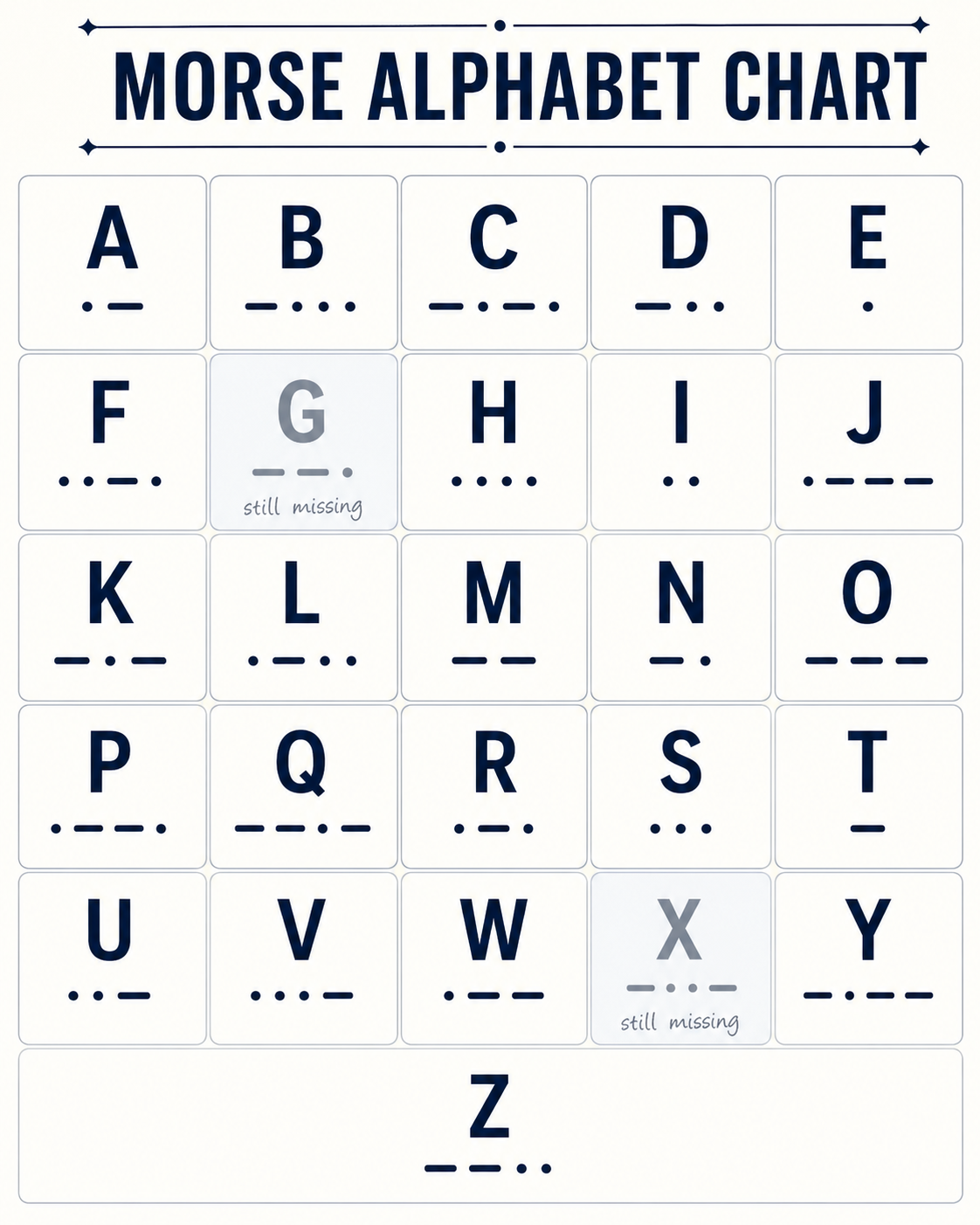
Stuck on X and G. Everything else is in the wrist.
What I came back with
Lesson from the terrain
The Taptic Engine isn't a speaker — it has maybe four distinguishable voices and no native concept of duration, which means anything expressive on it has to be assembled out of the small set of pulses it'll give you. That constraint turned out to be fine for a two-symbol language. The bigger lesson was about the channel itself: a haptic loop the user can run without looking is a teaching surface most apps leave on the table.