Departure
Stock macOS is good at being neutral. I wanted the opposite: a desktop that knew my routes. The whole setup settled into three apps — Hammerspoon for the things the OS should do automatically, Raycast for the actions I want to search, and Leader Key for the commands my hands should remember.
Approach
- Hammerspoon
- Raycast
- Leader Key
- Lua
No replacement OS, no fragile desktop cosplay. Everything had to sit on top of stock macOS, survive a reboot, and stay simple enough that I would keep using it.
Field log
Hammerspoon is the low-level layer: Lua with access to the parts of macOS Apple exposes but does not make pleasant. I use it for the invisible things — window movement, device events, menu bar widgets, small automations that should happen without opening an app. The basic pattern is simple: edit init.lua, bind a hotkey or watcher, reload config, let the machine do the repeated motion next time.
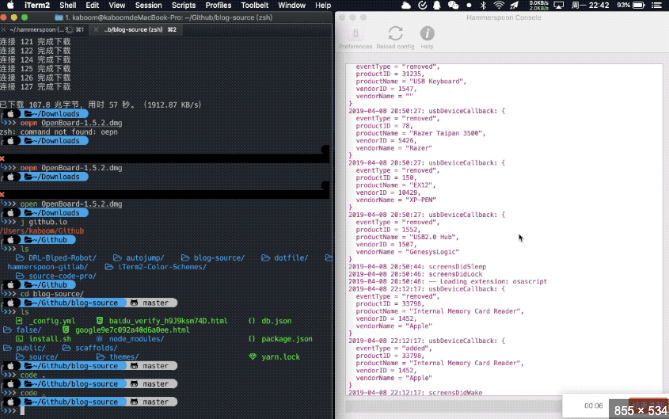
Hammerspoon is where macOS turns scriptable: windows, USB events, sleep/wake, menu bar, all reachable from Lua. Raycast replaced Spotlight because Spotlight opens things; Raycast performs things. It is the command palette: clipboard history, calendar, emoji, app launching, custom scripts, and small utilities I do not want living in the dock. The way I use it is intentionally boring: open Raycast, type the verb, press return. If I do something twice in a week, it probably becomes a Raycast command.
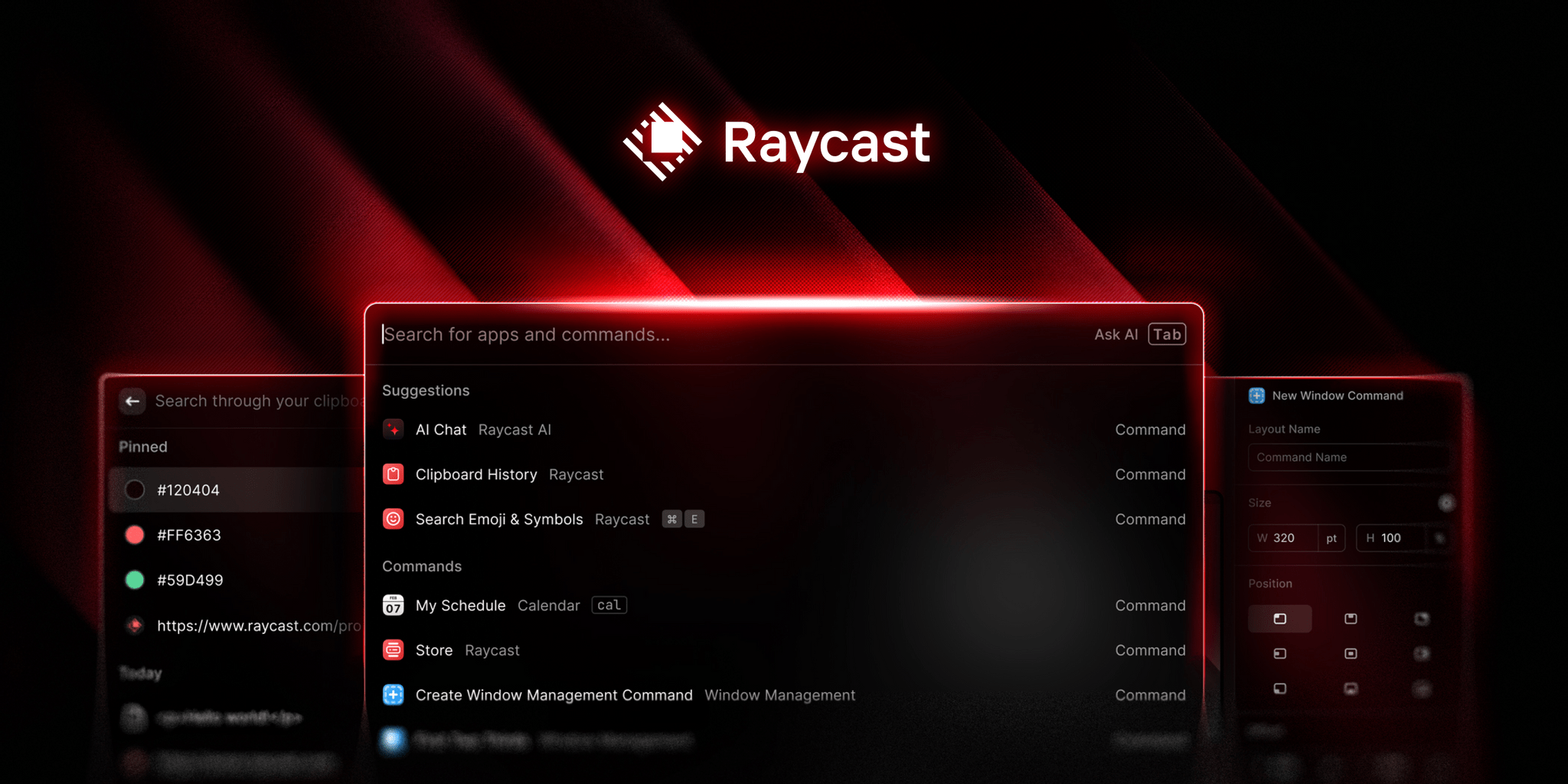
Raycast is the searchable layer: commands, snippets, clipboard, scripts, and app actions in one bar. Leader Key is for actions that should not require search at all. I use it like a keyboard-native menu: press the leader, then a small sequence. In the screenshot, t opens Terminal, and the o group fans out into Safari, Mail, Music, and Messages. Raycast is for remembering a command by name; Leader Key is for the things my hands already know.
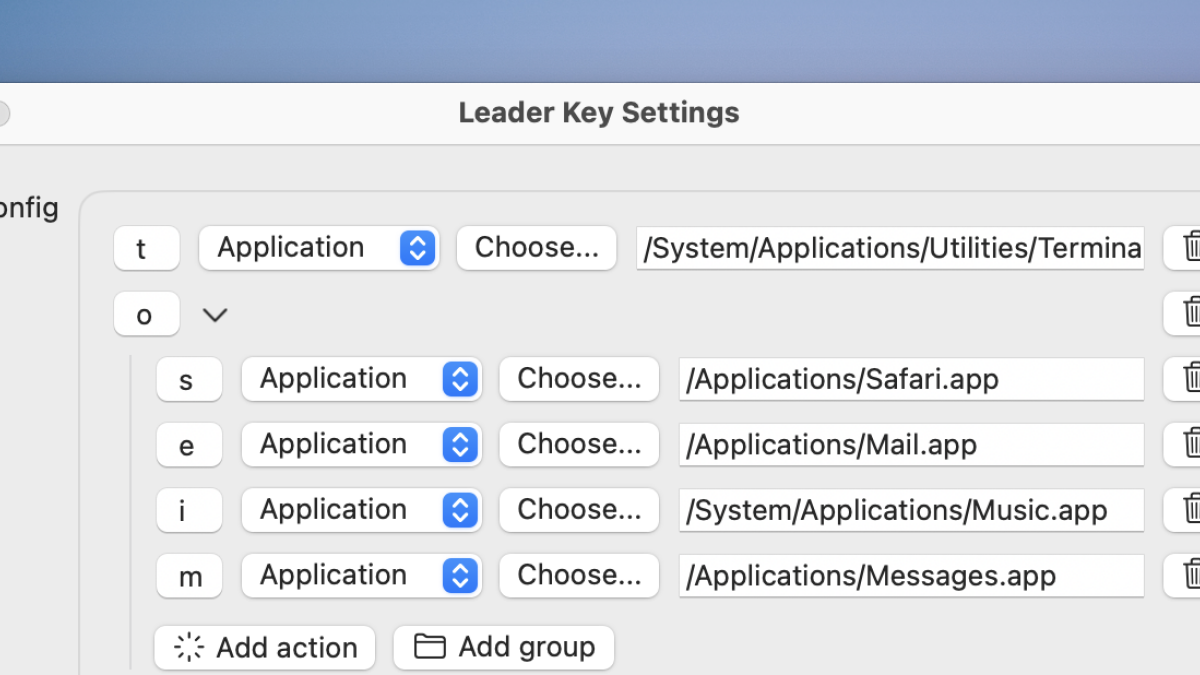
A small routing table for muscle memory: leader, then the shortest path to the app or action. The moral is not that macOS needs to look different. It needs to take fewer negotiations. Hammerspoon handles the background behavior, Raycast handles the searchable command surface, and Leader Key handles the repeated paths. When the three agree, the desktop stops being a place I manage and becomes the thing carrying the work forward.
From the gallery
What I came back with
Lesson from the terrain
macOS ships as a default-shaped computer. Hammerspoon, Raycast, and Leader Key turn it into a personal system without replacing the OS. Each tool closes a different kind of gap: the OS doing repeated work for me, the launcher finding the command faster than I can browse for it, and the keyboard making frequent actions automatic. The point of customization is not decoration; it is removing the tiny delays until the computer feels like it is already on my side.